
Posted on Bitcoin4Newbies | Wallets
You’ve learned about Bitcoin. Maybe you’ve even bought some. Now comes the most important question most beginners never ask until it’s too late:
Where is your Bitcoin actually being held, and is it truly yours?
If your Bitcoin is sitting on Coinbase, Strike, or any other exchange, the honest answer is: not entirely. You have an IOU. The exchange holds the real asset. And as we’ve covered here at Bitcoin4Newbies, that’s a fundamentally different thing from true ownership.
The solution is a hardware wallet — a small physical device that stores your private keys offline, completely out of reach of hackers, exchanges, and anyone else.
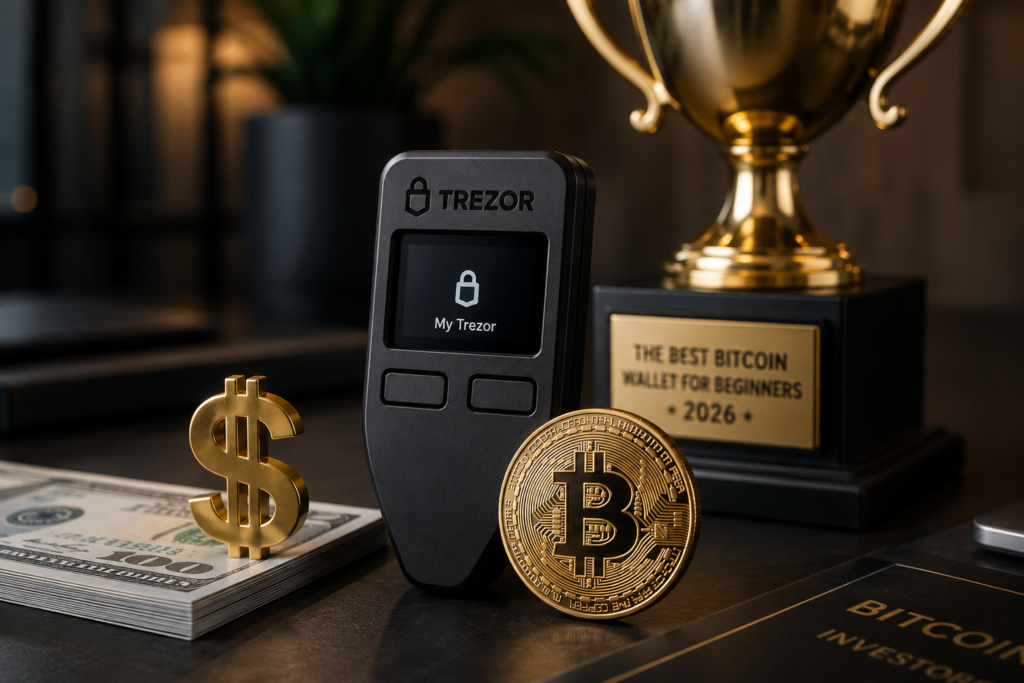
And for beginners in 2026, one brand stands above the rest: Trezor.
What Is a Hardware Wallet and Why Do You Need One?
Before we talk specifically about Trezor, let’s make sure we understand what we’re solving.
When you own Bitcoin, what you really own is a private key — a long string of characters that proves your ownership and authorizes transactions. Whoever controls the private key controls the Bitcoin. Full stop.
When your Bitcoin sits on an exchange:
- The exchange controls the private key
- You trust them to honor your balance
- If they get hacked, go bankrupt, or freeze withdrawals, your Bitcoin is at risk
- Such events have happened. Look up FTX, Mt. Gox, Celsius
A hardware wallet changes everything. It generates and stores your private key on a dedicated physical device that never connects to the internet. Your private key never leaves the device. Ever. Hackers can’t steal what they can’t reach.
This is what Bitcoiners mean when they say “not your keys, not your coins.”
Why Trezor?
There are several hardware wallet brands on the market. We recommend Trezor for beginners for four specific reasons:
1 — Fully open source Trezor’s firmware and hardware designs are completely open source. That means thousands of independent security researchers worldwide can inspect the code for vulnerabilities. You don’t have to trust Trezor’s word — you can verify it. Most competitors are closed source, which means you have to trust their claims.
2 — Founded in 2013, SatoshiLabs created the original Trezor in Prague and launched the world’s first hardware wallet in 2014. They invented this category. With over 2 million users and more than a decade of security track record, they’re the most battle-tested option available.
3 — EAL6+ Secure Element chip Every current Trezor model includes an EAL6+ certified Secure Element — the same class of security chip used in passports and SIM cards. This chip protects your private keys even if someone physically steals your device and tries to extract the data.
4 — Beginner-friendly setup Trezor Suite — the companion software — walks you through setup step by step. Most beginners are up and running in about 15 minutes. No technical knowledge required.
The 2026 Trezor Lineup — Which One Should You Buy?
Trezor currently offers three models. Here’s the plain English breakdown:
Trezor Safe 3 — $59
Best for: The budget-conscious beginner
This is the entry point and honestly — for most Bitcoin beginners — it’s all you need.
The Safe 3 features:
- EAL6+ certified Secure Element chip
- Small monochromatic OLED display
- Two physical buttons for navigation
- USB-C connection
- Supports Bitcoin and 8,000+ other cryptocurrencies
- Available in Cosmic Black, Stellar Silver, Solar Gold, Galactic Rose, and Bitcoin Orange
- Two-year warranty included
The trade-off: you need to get used to the small screen and two-button interface. And if you’re an iPhone user, the Safe 3 is limited to portfolio tracking, buying, and receiving on iOS. For sending and full management, you’ll need a desktop or Android device.
But at $79 with full security features, the Safe 3 is the best value hardware wallet for a Bitcoin beginner.
Trezor Safe 5 — $129
Best for: The beginner who wants a premium experience
The Safe 5 takes everything fantastic about the Safe 3 and adds a significantly more enjoyable user experience:
- 1.54-inch color touchscreen (240×240 resolution)
- Gorilla Glass 3 protection — scratch-resistant
- Haptic feedback
- EAL6+ Secure Element
- USB-C connection
- MicroSD card slot
- Supports Bitcoin and 8,000+ cryptocurrencies
- Set up in approximately 15 minutes
The color touchscreen makes verifying transactions and navigating your wallet dramatically easier — especially for beginners who are new to reading wallet addresses. The premium build quality also means this device will last for years.
If you can stretch to $169, the Safe 5 is the one we’d choose.
👉 Get the Trezor Safe 5 — $129
Trezor Safe 7 — $249
Best for: The power user or iPhone user
The Safe 7 is Trezor’s premium flagship. The key addition over the Safe 5 is Bluetooth connectivity — making it the only Trezor model that works fully with iPhone.
If you’re an iOS user who wants complete mobile functionality, including sending and full device management from your iPhone, the Safe 7 is your only Trezor option.
👉 Get the Trezor Safe 7 — $249
Which One Is Right for You?
| Safe 3 | Safe 5 | Safe 7 | |
|---|---|---|---|
| Price | $59 | $129 | $249 |
| Screen | Monochrome | Color touchscreen | Color touchscreen |
| iPhone support | Limited | Limited | Full |
| Bluetooth | No | No | Yes |
| Secure Element | EAL6+ | EAL6+ | EAL6+ |
| Best for | Budget beginners | Most beginners | iPhone users |
Our recommendation for most Bitcoin4Newbies readers: Start with the Safe 3 if budget is a concern. Upgrade to the Safe 5 for a more comfortable daily experience. Choose the Safe 7 only if you need full iPhone support.
How to Buy Trezor Safely
This is important: only buy Trezor directly from trezor.io or an authorized retailer.
Never buy a hardware wallet from eBay, Facebook Marketplace, or any third-party reseller. A tampered device could have compromised firmware installed before it reaches you — allowing someone else to steal your Bitcoin the moment you transfer it.
When your Trezor arrives:
- Check that the packaging is sealed with the tamper-evident sticker intact
- Confirm there is no pre-installed firmware
- Confirm there is NO seed phrase already written in the box
- Always generate your own seed phrase during setup — never use one that came with the device
What About the Seed Phrase?
When you set up your Trezor, it will generate a seed phrase — a list of 12 or 24 random words. This is the master backup for your entire wallet.
Write it down on the physical card Trezor provides. Then store it somewhere safe — not on your phone, not in a photo, not in an email. Physical paper in a secure location.
If you lose your Trezor device, your seed phrase will allow you to restore your wallet on any compatible hardware wallet. Losing both the device and the seed phrase means your Bitcoin is gone permanently. There is no customer service number to call.
This is Bitcoin working as designed. It’s also why understanding your UTXOs—the individual chunks of Bitcoin you own— is so important. If you haven’t already, check out our free Bitcoin UTXO Tracker and our book The Jar on the Counter: A Beginner’s Guide to Bitcoin UTXOs to go deeper on self-custody concepts.
The Bottom Line
A hardware wallet isn’t a luxury for serious Bitcoin holders. It’s a necessity.
The moment your Bitcoin holdings become meaningful to you — whether that’s $500 or $50,000 — the cost of a Trezor Safe 3 at $59 is the best security investment you can make.
You spent time and money acquiring Bitcoin. Spend $59 to make sure it’s actually, truly, permanently yours.
👉 Shop Trezor Hardware Wallets
Important: Always verify current prices directly at trezor.io before purchasing. Prices may change. Bitcoin4Newbies may earn a commission if you purchase through our affiliate links at no additional cost to you. We only recommend products we genuinely believe in.
Also on Bitcoin4Newbies: